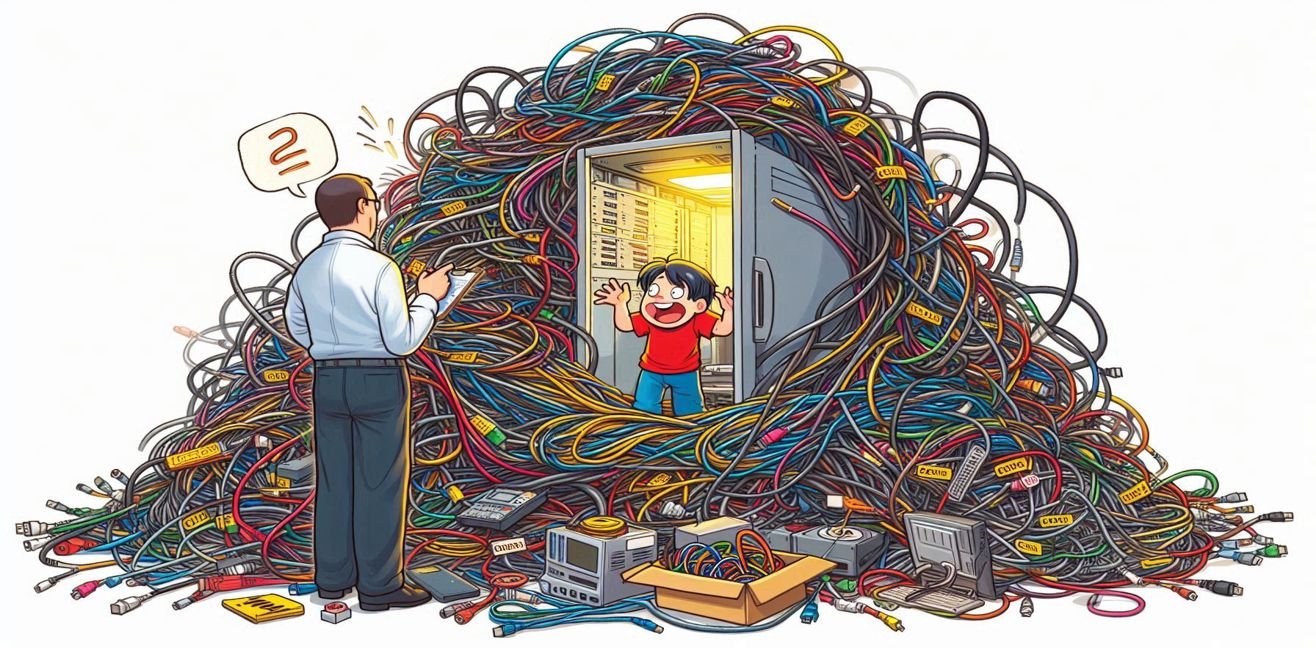
Hello dear tech enthusiasts and brave warriors battling the “cable monsters”! 💻🔌 Today we’re diving into one of the most boring yet absolutely crucial topics in the IT world: cabinet assembly and cable management.
Yes, I know… nobody claps their hands when we say “let’s tidy up the cables and set up the cabinet.” But the truth is this: without a well-organized cabinet and proper cable management, even the coolest server, the fastest switch, and the most expensive router are useless. Because a messy cabinet = a messy life.
🎯 What Is a Cabinet and Why Is It Important?
Think of a cabinet as a hotel where electronic equipment lives. But in this hotel, customer satisfaction doesn’t just come from room service—it comes from cooling, cable management, accessibility, and security.
- Standard Sizes: Most cabinets come in 19-inch rack dimensions. The height is measured in U (Unit). 1U equals about 4.45 cm. So a 42U cabinet = a 42-story skyscraper!
- Purpose: Protect devices physically, keep them organized, ensure airflow, and make maintenance easier.
- Types:
- Wall-mounted cabinet: For small offices and distribution points.
- Floor-standing cabinet: The must-have for large data centers.
⚙️ Key Points in Cabinet Assembly
1. Location
- Place the cabinet away from vibration, humidity, and direct sunlight.
- The floor must be solid and level. Because if a cabinet falls, it’s not just the equipment that breaks—it’s your heart too. 💔
2. Cooling and Airflow
- Air should enter from the front and exit from the back.
- Try to place devices so their front panels face the same way.
- Leave blank panels in between for proper airflow.
3. Power Management (PDU)
- Install a PDU (Power Distribution Unit) inside the cabinet. Think of it as the professional version of a power strip.
- Mount the PDU vertically if possible—it makes cable management easier.
- Don’t forget the UPS (Uninterruptible Power Supply), because when the power goes out, you don’t want to say, “well, there goes the database.”
4. Device Placement
- Network devices (switches, routers, patch panels) usually go on top, while servers go in the middle or bottom.
- Run network cables from above and power cables from below. That way, you won’t be asking, “babe, was this the blue one or the black one?”
🔌 Golden Rules of Cable Management
1. Labeling
Put a tag on one end of the cable like “Switch 1 – Port 5,” and the same on the other end.
👉 Six months later, you won’t be staring at it crying, “where the heck does this go?”
2. Color Coding
In professional data centers, every cable color tells a story:
- Blue: Data
- Red: Critical connections
- Yellow: Management
- Green: Telephone/VoIP
You can create your own code too. This way, asking “should I unplug this cable?” won’t feel like Russian Roulette.
3. Cable Length
- Don’t use unnecessarily long cables. More cable = more chaos.
- Leave some slack, but not too much. Around 30–50 cm is ideal.
4. Velcro Straps and Cable Channels
- Use Velcro straps instead of plastic zip ties. They won’t cut your fingers or damage cables when you need to reorganize.
- Use cable channels for vertical and horizontal routing.
5. Separate Power and Data Cables
Because power cables cause electromagnetic interference (EMI). And that turns network performance into a “slow Wi-Fi syndrome.”
🧑💻 Pro Tips
- Use a label printer: Handwritten labels fade in 3 months. A label printer looks professional and lasts longer.
- Use cable organizers: They make things neater and routing easier.
- Document connections: Write down links like “Switch 1 Port 3 → Server 2 NIC 1.” Because memory is like RAM—limited.
😂 A Humorous Take
When IT folks see a neatly organized cabinet, their eyes sparkle. Because a tidy cabinet:
- Cuts down on the money you’d spend on therapy.
- Eliminates the stress of “which cable do we pull?” in case of fire.
- Gives the IT team material for an Instagram story. (Seriously, tidy cabinet pics are posted in IT forums like pieces of art.)
🌟 Conclusion
Cabinet assembly and cable management may look simple from the outside, but they are the heart of a data center. Do it right, and everything runs smoothly. Do it wrong, and welcome to the “cable nightmare.”
Remember:
👉 Tidy cabinet = tidy system.
👉 Tidy system = happy users.
👉 Happy users = peaceful IT team (and less hair loss).