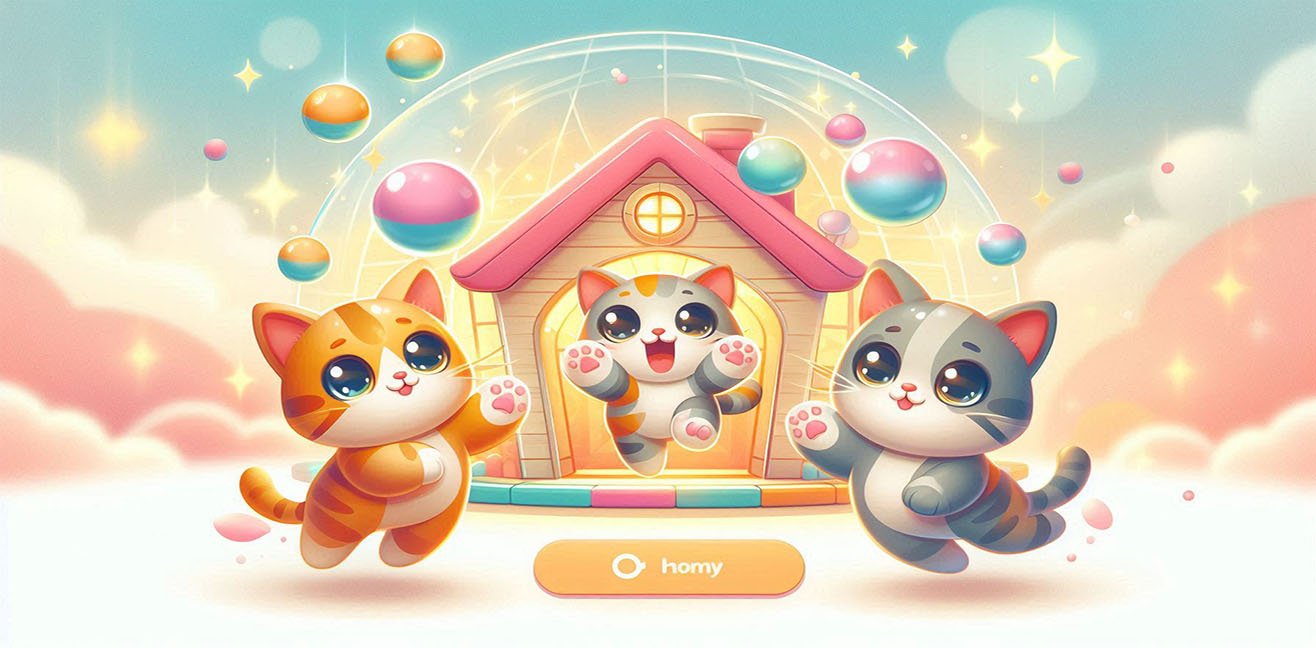
Hello, my dear digital cat lover! 🕵️♀️💫
Today we’re taking web pages out of boredom mode. Get ready because digital cats are taking the stage, buttons will “meow” with every click, and CSS animations will make them hop and jump around their mini cat house. 🐾
In this article, you’ll learn not only HTML, CSS, and JS, but also how to create a fun, interactive experience for users.
1. Setting the Stage: HTML Cat House 🏠
First, we set up the stage. Using HTML, we create cat divs, buttons, and a cute little cat house layout:
<div class="cat-house">
  <div class="cat" id="cat1">😺</div>
  <div class="cat" id="cat2">🐱</div>
  <div class="cat" id="cat3">😻</div>
</div>

<div class="buttons">
  <button onclick="meow(1)">Meow 1</button>
  <button onclick="meow(2)">Meow 2</button>
  <button onclick="meow(3)">Meow 3</button>
  <button onclick="randomMeow()">Surprise Meow 🐾</button>
</div>
💡 Tip:
- Each cat is a
div, each button triggers an interaction. - The “Surprise Meow” button triggers a random cat animation, making it playful and interactive.
2. Animating the Cats: CSS Fun 💃🐾
Cats come to life with tiny dance animations:
.cat-house {
  display: flex;
  justify-content: center;
  gap: 20px;
  margin-bottom: 20px;
  padding: 20px;
  background-color: #f0e68c;
  border-radius: 20px;
  box-shadow: 0 5px 15px rgba(0,0,0,0.2);
}

.cat {
  font-size: 60px;
  transition: transform 0.4s, rotate 0.4s;
  cursor: pointer;
}

.cat.animate {
  transform: translateY(-30px) rotate(15deg);
}

.cat:hover {
  transform: translateY(-10px) rotate(-10deg);
}
💡 Tip:
- Hover effect makes the cat hop and rotate for interactive flair.
- You can add
@keyframesfor continuous animations like tail wagging or dancing loops.
3. Meowing with Buttons: JavaScript 🎶🐱
Clicking a button triggers the cat animation and optionally a meow sound:
function meow(catNumber) {
  const cat = document.getElementById(`cat${catNumber}`);

  // Start animation
  cat.classList.add('animate');

  // Meow sound (optional)
  const audio = new Audio('meow.mp3');
  audio.play();

  // Remove animation after 0.5s
  setTimeout(() => {
    cat.classList.remove('animate');
  }, 500);
}

function randomMeow() {
  const randomCat = Math.floor(Math.random() * 3) + 1;
  meow(randomCat);
}
💡 Tip:
- If you don’t want to use audio,
console.log("Meow!")works too, but real sound is way more fun 😎 randomMeow()adds surprise and interactivity for the user.
4. Adding Color and Theme: CSS 🎨🌈
The cat house should be cute and lively:
body {
  background: linear-gradient(to bottom, #ffebcd, #ffe4e1);
  font-family: 'Comic Sans MS', cursive, sans-serif;
  display: flex;
  flex-direction: column;
  align-items: center;
  padding: 50px;
}

.buttons button {
  margin: 5px;
  padding: 10px 20px;
  font-size: 16px;
  border-radius: 12px;
  border: none;
  cursor: pointer;
  background-color: #ffb6c1;
  transition: background-color 0.3s;
}

.buttons button:hover {
  background-color: #ff69b4;
}
💡 Tip:
- Use linear gradients to create different themes depending on the time of day (morning, afternoon, night).
- Button colors should match the cat house for a cohesive, fun look.
5. Extra Fun Features 🪄✨
- Hover tail wag: Use
@keyframes tail-wagto make the cats’ tails swing. - Random animations: JS can trigger different animations each click.
- Music and sound: Different meows increase interactivity.
- Cat race: Clicking buttons in sequence can trigger cats “racing” across the screen.
@keyframes tail-wag {
  0% { transform: rotate(0deg); }
  50% { transform: rotate(20deg); }
  100% { transform: rotate(0deg); }
}
💡 Tip:
- Apply this animation to a
spanfor the tail and trigger via JS.
6. Full Example: HTML + CSS + JS 🎉
<div class="cat-house">
  <div class="cat" id="cat1">😺</div>
  <div class="cat" id="cat2">🐱</div>
  <div class="cat" id="cat3">😻</div>
</div>

<div class="buttons">
  <button onclick="meow(1)">Meow 1</button>
  <button onclick="meow(2)">Meow 2</button>
  <button onclick="meow(3)">Meow 3</button>
  <button onclick="randomMeow()">Surprise Meow 🐾</button>
</div>
- Apply CSS and JS from previous sections.
- Now, clicking buttons makes the cats dance, meow, and bring interactivity to your page.
7. Mini Secrets & Practical Tips 💡
- Add more buttons: Include more cats and different meow sounds.
- Hidden cat: Add a hidden cat somewhere on the page for a surprise.
- Responsive design: Make sure cats stay visible on mobile screens.
- Theme switcher: Add a button to change the cat house theme (morning/afternoon/night).
- Fun errors: Playful animations or sounds on “wrong” clicks enhance experience.
Final Word 💖
Voilà! Your digital cat house is ready! 🐾
Click the buttons, watch the cats dance, meow, and create an interactive delight for users. 🪄💃
You are officially a digital cat house wizard! 🌟💻