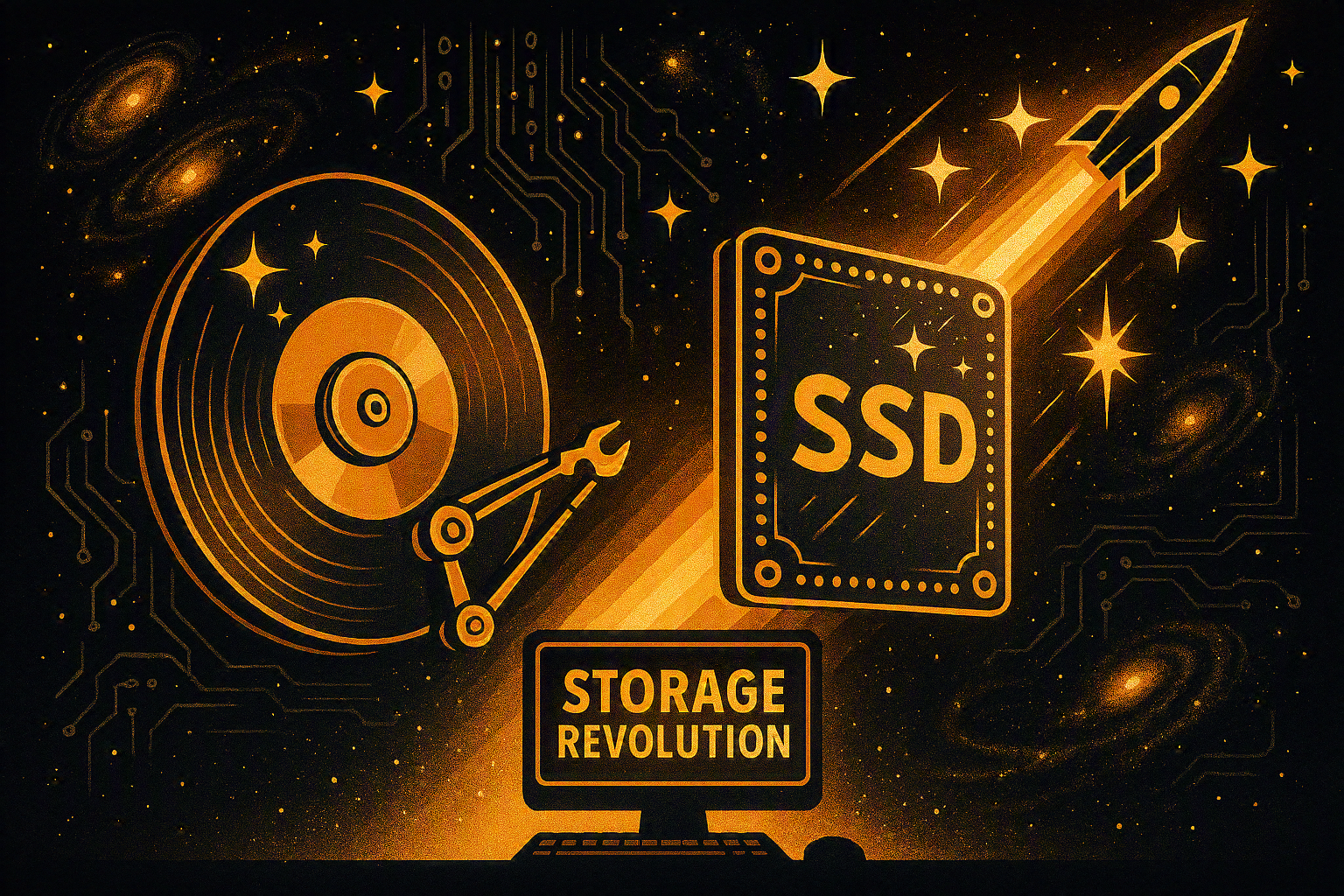
Imagine buying two computers with nearly identical specifications. Both have the same processor, the same amount of RAM, and the same graphics card. Yet one starts up in less than 10 seconds, launches programs almost instantly, and transfers huge files in seconds, while the other takes nearly a minute to boot and struggles whenever multiple applications are open.
What’s the difference?
In many cases, it all comes down to one crucial component: the storage drive.
For decades, the Hard Disk Drive (HDD) was the heart of computer storage. Then came the Solid-State Drive (SSD), quietly revolutionizing the way computers store and access information. Today, SSDs power everything from gaming PCs and ultrabooks to smartphones, servers, and even spacecraft.
But why are SSDs so much faster? How do HDDs actually store your data? Who invented these technologies? And which one is the better choice today?
Let’s explore the fascinating evolution of computer storage.
🕰️ Before SSDs: The Era of Hard Disk Drives
Long before cloud storage and lightning-fast NVMe SSDs, computers relied almost entirely on Hard Disk Drives, commonly known as HDDs.
The story begins in 1956, when Reynold B. Johnson and his team at IBM introduced the world’s first commercial hard disk drive as part of the IBM 305 RAMAC computer.
The first HDD was enormous.
It weighed over one ton, occupied the space of two large refrigerators, and could store only about 5 megabytes of data—roughly enough for a single high-quality smartphone photo today.
Despite its size, it transformed computing forever because data could now be accessed directly without reading long magnetic tapes.
This invention marked the birth of modern digital storage.
💽 What Is an HDD?
An HDD (Hard Disk Drive) is an electromechanical storage device that records information using magnetic technology.
Inside every HDD are several important components:
🧲 Magnetic platters that store data
⚙️ A spindle motor that spins the platters
🎯 A read/write head that accesses information
🦾 An actuator arm that moves the head with incredible precision
🧠 A controller board that manages communication with the computer
Imagine an old vinyl record player.
Instead of playing music, the spinning disks store billions of tiny magnetic bits representing 0s and 1s.
The read/write head floats only a few nanometers above the spinning surface—closer than the width of a human DNA strand.
That tiny gap is one of the greatest engineering achievements in modern computing.
⚙️ How Does an HDD Work?
Whenever you open a file, your operating system asks the HDD for specific information.
The process happens in milliseconds:
💻 The computer requests a file.
📂 The file system identifies where the data is stored.
🔄 The platters spin, typically at 5,400 or 7,200 RPM, while enterprise drives may reach 10,000 or 15,000 RPM.
🎯 The actuator arm positions the read/write head.
🧲 Magnetic signals are converted into digital information.
📤 The data is sent to the processor and then displayed on your screen.
Because the drive contains moving mechanical parts, every request involves physical movement.
That mechanical delay is known as seek time, and it’s one of the biggest reasons HDDs are slower than SSDs.
🚀 The Birth of SSDs
Although SSDs became popular in the 2010s, their roots go back much earlier.
The key breakthrough came with the invention of flash memory in the 1980s by Fujio Masuoka while working at Toshiba.
Flash memory made it possible to store data electronically without moving parts.
As flash memory became cheaper and more reliable, manufacturers began replacing mechanical hard drives with storage built entirely from semiconductor chips.
The result was the Solid-State Drive, or SSD.
Although early SSDs were expensive and relatively small, they offered incredible speed advantages that eventually transformed the entire computer industry.
⚡ What Is an SSD?
An SSD (Solid-State Drive) is a storage device that saves data using NAND flash memory chips instead of spinning disks.
Unlike HDDs, SSDs contain no moving parts.
Instead, they consist of:
🧠 NAND flash memory chips
⚡ A storage controller
💾 Cache memory
🔌 SATA or PCIe/NVMe interface
Because there are no mechanical components, SSDs access data electronically, making them dramatically faster, quieter, and more energy-efficient.
🔬 How Does an SSD Work?
When you save a file, the SSD’s controller determines the best available memory cells and writes the data into them electronically.
When you open that file later:
⚡ The controller instantly locates the required memory cells.
📖 The data is read electronically.
🚀 The information is delivered to the processor almost instantly.
No spinning.
No moving heads.
No waiting for mechanical parts.
Everything happens through high-speed electronic circuits.
This is why SSDs feel almost instantaneous.
⚖️ SSD vs HDD: A Detailed Comparison
| Feature | 💿 HDD | ⚡ SSD |
|---|---|---|
| Storage Method | Magnetic spinning platters | NAND Flash Memory |
| Moving Parts | ✅ Yes | ❌ No |
| Speed | Slower | Much Faster |
| Noise | Audible spinning and clicking | Completely Silent |
| Durability | Sensitive to shocks | Highly Shock Resistant |
| Heat Output | Higher | Lower |
| Power Consumption | More | Less |
| Weight | Heavier | Much Lighter |
| Lifespan | Can wear mechanically | Limited write cycles, but excellent longevity in normal use |
| Best For | Large, inexpensive storage | Operating systems, gaming, creative work, everyday computing |
🎮 Why SSDs Feel So Much Faster
The biggest difference isn’t just maximum speed—it’s access time.
An HDD must physically move its read/write head and wait for the correct part of the platter to rotate underneath it.
An SSD doesn’t.
It can access almost any stored piece of data in a fraction of a millisecond.
This dramatically improves:
🚀 Boot times
🎮 Game loading screens
📷 Photo editing
🎬 Video editing
💼 Office productivity
🌐 Web browsing
📂 File searches
Even older computers often feel brand new after replacing an HDD with an SSD.
🧠 What Is NVMe?
Not all SSDs are the same.
Early SSDs connected through the SATA interface, which was originally designed for HDDs.
Modern SSDs often use NVMe (Non-Volatile Memory Express) over the PCI Express (PCIe) interface.
NVMe eliminates many of SATA’s bottlenecks, allowing data to travel directly between the SSD and the processor at incredibly high speeds.
Today’s high-end NVMe SSDs can exceed 10,000 MB/s, making them dozens of times faster than traditional HDDs.
🔒 Reliability and Lifespan
Many people worry that SSDs wear out quickly because flash memory has a limited number of write cycles.
While this is technically true, modern SSDs are designed with sophisticated technologies such as:
Wear leveling
Error correction codes (ECC)
Over-provisioning
Bad block management
TRIM support
For the average user, a quality SSD often lasts many years—frequently longer than the useful life of the computer itself.
Meanwhile, HDDs can suffer from mechanical wear, head crashes, motor failures, or damage caused by drops and vibrations.
🌍 Where Are HDDs and SSDs Used?
💿 HDDs are still common in:
Large backup systems
Home media servers
Security camera recording systems
Data centers requiring massive storage
External archive drives
⚡ SSDs dominate in:
Gaming PCs
Laptops
Ultrabooks
Professional workstations
Smartphones
Tablets
Cloud servers
Artificial intelligence systems
Many modern computers combine both technologies: a fast SSD for the operating system and applications, and a large HDD for storing photos, videos, and backups.
💡 Practical Tips for Choosing Between SSD and HDD
If your priority is speed, responsiveness, and a better everyday experience, an SSD is the clear winner.
If you need enormous amounts of storage at the lowest possible cost—such as for movie libraries, backups, or surveillance footage—an HDD remains an excellent value.
For many users, the best solution is a hybrid approach:
⚡ Install your operating system and frequently used applications on an SSD.
💿 Store large media collections and backups on an HDD.
This combination offers both performance and affordability.
🚀 Fun Facts About Computer Storage
💡 The first HDD stored only 5 MB and weighed over one ton.
💡 A modern 2 TB SSD can store more than 400,000 times as much data as the first commercial hard drive.
💡 SSDs contain no moving parts, making them almost silent.
💡 Many gaming consoles now use SSDs to reduce loading times dramatically.
💡 Flash memory—the technology behind SSDs—is also used in USB drives, memory cards, and smartphones.
💡 Replacing an old HDD with an SSD is often considered the single most noticeable performance upgrade you can make to a computer.
🎯 Final Thoughts
The transition from HDDs to SSDs is one of the most significant revolutions in the history of personal computing. Hard Disk Drives laid the foundation for the digital age, providing affordable and reliable storage for decades. Without pioneers like Reynold B. Johnson and the engineering breakthroughs at IBM, modern computing would not exist.
Solid-State Drives, powered by the invention of flash memory by Fujio Masuoka, have taken storage to an entirely new level. By eliminating moving parts and relying on advanced semiconductor technology, SSDs deliver exceptional speed, durability, and efficiency that have transformed everything from home laptops to enterprise servers.
Rather than viewing HDDs and SSDs as rivals, it’s more accurate to see them as technologies designed for different strengths. HDDs continue to excel in cost-effective, high-capacity storage, while SSDs provide the responsiveness and performance demanded by today’s software and workflows.
The silent revolution of SSDs didn’t just make computers faster—it fundamentally changed how we experience technology every single day.