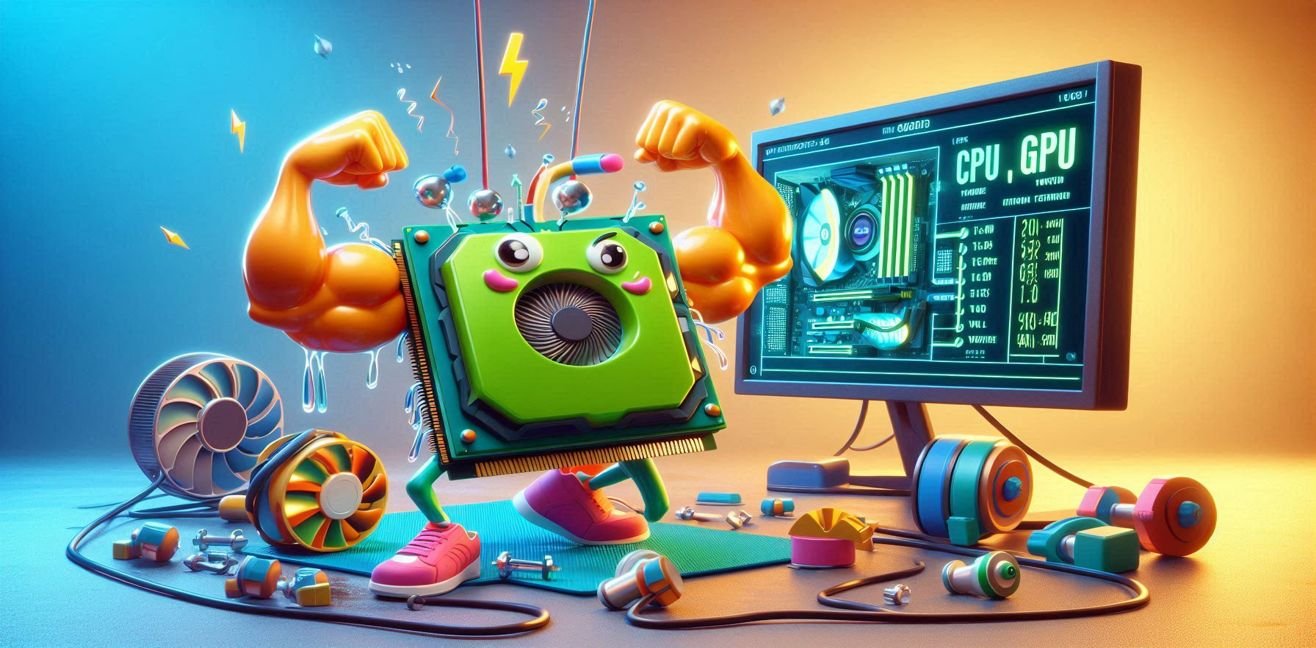
Imagine, my love, your computer’s hardware are like athletes. The CPU is pumping up its muscles, the GPU is building stamina, and the fans… oh, they are sweating buckets. 😎 Seriously, it feels like the fans are yelling, “Oh honey, I’m exhausted!”
But don’t worry, we’re going to explore this gym in a fun and technical way.
🏋️♂️ CPU: Pumping Muscles (Overclocking)
The CPU is the brain of your computer, the main muscle group. When you overclock, you’re increasing its clock speed—basically lifting heavier weights. For example:
- Intel i7-12700K: 3.6 GHz → 4.8 GHz
- AMD Ryzen 9 7900X: 4.7 GHz → 5.2 GHz
⚡ Technical Concepts:
- Clock Speed: How many operations the CPU performs per second. Higher = better performance, but more heat.
- Throttle: When the CPU gets too hot, it slows down. Think: “Honey, I’m too hot, I need a break” 😅
- Voltage: The electricity needed for the CPU to run. Overclocking usually increases voltage → more heat.
💡 CPU Overclock Tip, my love:
- Increase step by step: Raise clock speed gradually and run stress tests at each step.
- Don’t raise voltage unnecessarily: More voltage = more heat.
- Monitor thermal limits: Use HWinfo or Ryzen Master to keep an eye on temps.
🏃♀️ GPU: Boosting Stamina (Overclock + Undervolting)
The GPU is like a marathon runner. It works hard for hours during gaming or rendering. But beware: too much load = heat = sweating fans.
🔌 What is Undervolting?
- You reduce the voltage to the GPU or CPU while keeping performance.
- Like training your muscles without overstraining them.
Benefits:
- Lower temperature → fans are quieter
- Energy saving → friendly to your electricity bill
- Stable performance → no issues during long marathons
⚡ Example Programs:
- Intel XTU (Extreme Tuning Utility): CPU overclock & undervolt
- AMD Ryzen Master: Voltage and clock speed control for Ryzen CPUs
- MSI Afterburner / EVGA Precision X1: GPU overclock & undervolt
- HWinfo / HWmonitor: Monitor temps, voltage, fan RPM
💡 GPU Undervoltage Tip, honey:
- Lower voltage, maintain clock speed → cooler, quieter, energy-efficient system
- Apply gradually: Run FurMark stress test after each change
- Adjust fan curves: Optimize fan RPM for quiet performance
🌡️ Thermal Behavior: The Gym’s Sweating Hour
CPU and GPU performance depends on thermal behavior too:
- Fan RPM: Shows fan speed. High performance = high RPM = more “sweating”
- Tjunction / Junction Temp: Maximum CPU temperature. Exceeding it triggers throttling.
- TDP (Thermal Design Power): Maximum energy usage and heat generation
Think of it like a real gym:
- Warm-up: Monitor temps with BIOS or software
- Cardio: GPU works constantly during rendering or gaming
- Rest: Idle state slows fans and lets CPUs breathe
🛠️ Overclock & Undervoltage Tips
- Step-by-Step: Increase clock speed gradually, run stress tests at each step.
- Watch Voltage: Too high → excessive heat and fan noise.
- Silence with Undervolting: Lower voltage → quieter fans, energy saving, same performance.
- Stress Test: Use Prime95 (CPU) or FurMark (GPU) to challenge your system.
- Monitor Thermals: HWinfo or MSI Afterburner for temps and fan RPM.
- Check Throttle: If CPU or GPU slows down, “rest mode” is active.
- Cooling Matters: Thermal paste, good fans, and airflow keep your hardware cool.
🏆 Bonus Humorous Comparison
- CPU: Pumping muscles, shouting “I’m the king, honey!”
- GPU: Boosting stamina, running marathons, fans yelling “We’re sweating, honey!”
- Undervolting: Like a personal trainer, maximizing performance without overstraining.
- Throttle: Overdoing the workout → slowing down to recover.
💡 Closing: Welcome to the Gym
Honey, see? CPUs and GPUs have a gym life. Overclock → pump muscles; undervolt → improve stamina; monitor thermal behavior → keep fans happy.
Next time you look at your computer, don’t just see hardware—imagine muscular athletes in a gym with sweating fans! 😂💪🖥️