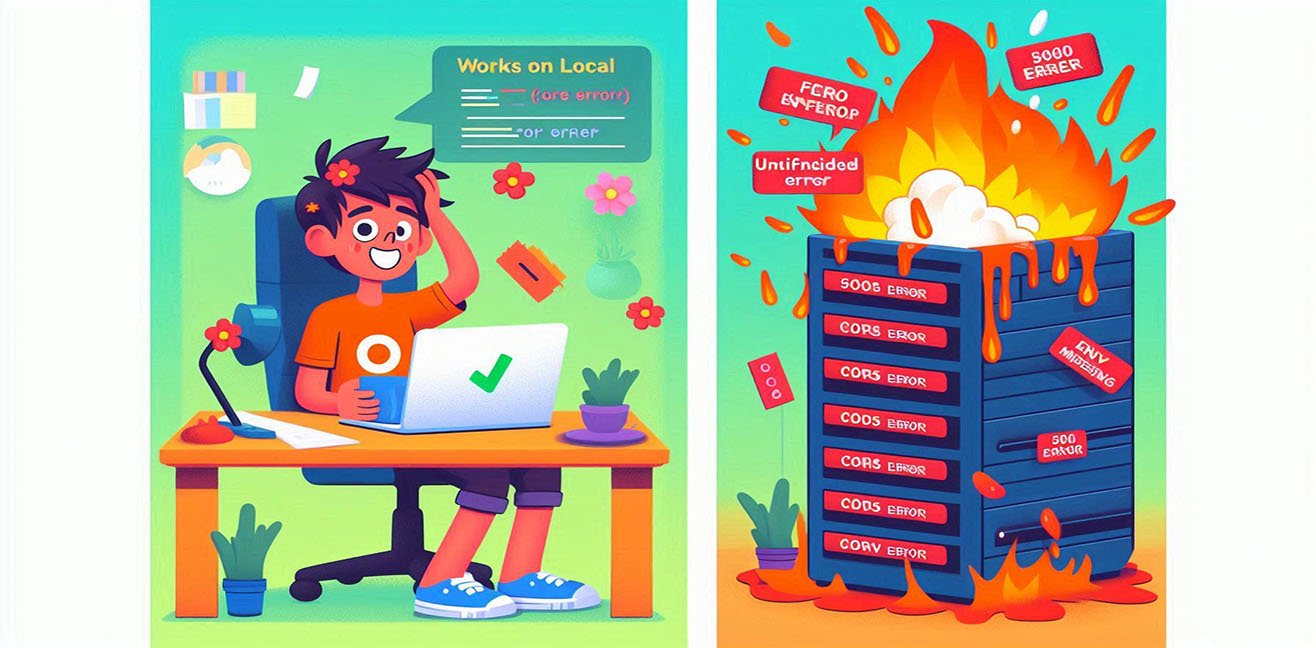
The Local ≠ Prod Reality (Painful, funny, and educational)
A developer’s career journey usually goes through three stages:
- Junior: “It works 🎉”
- Mid-level: “Could there be an edge case? 🤔”
- Senior: “What happens in production? 😐”
This article is here to take you from stage 2 to stage 3.
We’ll laugh, we’ll say “oh no…”, and we’ll learn practices that actually save lives in production.
If you’re ready, let’s begin 👇
Grab your coffee ☕ and close the production logs (for now).
🧪 1️⃣ The Environment Variable Syndrome
“It existed locally… but in prod, who are you?”
🎭 The Story
The API call works perfectly on local.
You deploy to production… BOOM 💣
500 Internal Server Error.
❌ Problematic Code
const apiKey = process.env.API_KEY;

fetch(`https://api.example.com/data?key=${apiKey}`);
🧠 What’s Going On Here?
- The code expects
API_KEY - But in production, that variable is not defined
- The API is called with
undefined - The API responds:
“Where is the key, my friend?”
😇 Why Did It Work Locally?
Because you had a .env file:
API_KEY=super-secret-key
Production reality:
- No
.env - Or it’s in the wrong place
- Or the name is wrong
✅ Solid Solution
const apiKey = process.env.API_KEY;

if (!apiKey) {
  throw new Error("API_KEY is not defined! Production is crying 😭");
}
🛠️ Practical Tip
- Validate environment variables when the app starts
- Don’t let it explode at runtime
🧠 Golden Rule
“An app that runs with missing env variables is a ticking time bomb.”
📁 2️⃣ The File Path Disaster
Windows is forgiving. Linux is ruthless.
🎭 The Story
Local: Windows
Production: Linux
Result: file not found…
❌ Wrong Code
const filePath = "uploads\\image.png";
😇 Local (Windows)
“No worries, I get what you mean.”
😈 Production (Linux)
“Backslash? Wrong universe.” ❌
✅ Correct Approach
import path from "path";

const filePath = path.join("uploads", "image.png");
🧠 What Did We Gain?
- We ignored OS differences
- The code became portable
- Another bug buried 🪦
🧠 Golden Rule
Never write file paths by hand. Use
path.
🔠 3️⃣ Case Sensitivity (Letter Sensitivity)
Local forgives. Production never does.
🎭 The Story
After deployment:
Cannot find module './services/userService'
❌ Code
import UserService from "./services/userService";
📁 Actual File:
UserService.js
😇 Local (Mac / Windows)
“I understand what you mean.”
😈 Production (Linux)
“Nope. Case mismatch. Bye.” 👋
✅ Solution
- File names must be exact
- Imports must match exactly
- Use automatic linting
import UserService from "./services/UserService";
🧠 Production is Linux.
Accept it, and life becomes easier.
⏱️ 4️⃣ Timing and Async Illusions
“It was fast on local…”
❌ Dangerous Code
let user;

setTimeout(() => {
  user = { name: "Cansu" };
}, 100);

console.log(user.name);
😇 Local
- CPU is idle
- Event loop is fast
- Luck is on your side 🎲
😈 Production
- Heavy traffic
- Busy server
useris stillundefined💥
✅ Correct Logic
setTimeout(() => {
  const user = { name: "Cansu" };
  console.log(user.name);
}, 100);
🧠 What Did We Learn?
- Never trust execution timing
- Trust scope
- Use callbacks or async/await properly
🧠 Golden Rule
Code that trusts timing will be alone in production.
🌐 5️⃣ CORS: Angel on Local, Devil in Prod 😈
🎭 The Story
The API works locally.
In production, the browser screams:
Blocked by CORS policy
😇 Local
- Proxy enabled
- Browser is forgiving
- Life is beautiful 🌈
😱 Production
- Real domain
- Real security
- Real rules
❌ Missing Server Configuration
✅ Express Solution
import cors from "cors";

app.use(cors({
  origin: "https://yourdomain.com",
  methods: ["GET", "POST"]
}));
🧠 Tip
- Opening CORS with
*= leaving the door wide open - Never do this randomly in production
🔥 6️⃣ The console.log Lie
“But I saw it locally…”
❌ Local Habit
console.log("User:", user);
😇 Local
- Terminal open
- Right in front of your eyes
😈 Production
- Logs are elsewhere
- Or not collected
- Or no one is watching
✅ Real Logging
logger.info("User loaded", {
  userId: user.id,
  role: user.role
});
🧠 Why Does This Matter?
- Error history is preserved
- Debugging becomes possible
- Panic decreases 😌
🧠 console.log = bicycle wheel
Production = car 🚗
🧨 7️⃣ The Anatomy of “It Works on My Machine”
This sentence does not mean:
- The code is correct
- The system is solid
It actually means:
- Environments are different
Local ≠ Production because:
- OS is different
- Node version is different
- Traffic is different
- Security is different
- Users are impatient 😅
✅ Life-Saving Pre-Production Checklist
- Are all
.envvariables present? - Are Node versions the same?
- Was Linux case-sensitivity tested?
- Is proper logging in place?
- Is error handling implemented?
- Did anyone say “it works on my machine”?
🎬 Big Metaphor to Close
- Local: rehearsal stage 🎭
- Production: live broadcast 📺
You can make mistakes during rehearsal.
But on live TV… everyone is watching 😄
🏁 Final Words
Production demands one thing:
“Write me for the worst-case scenario.”
Local, on the other hand, says:
“I can manage.”
And remember:
The real exam of your code is production.
Local is just the trailer 🎞️