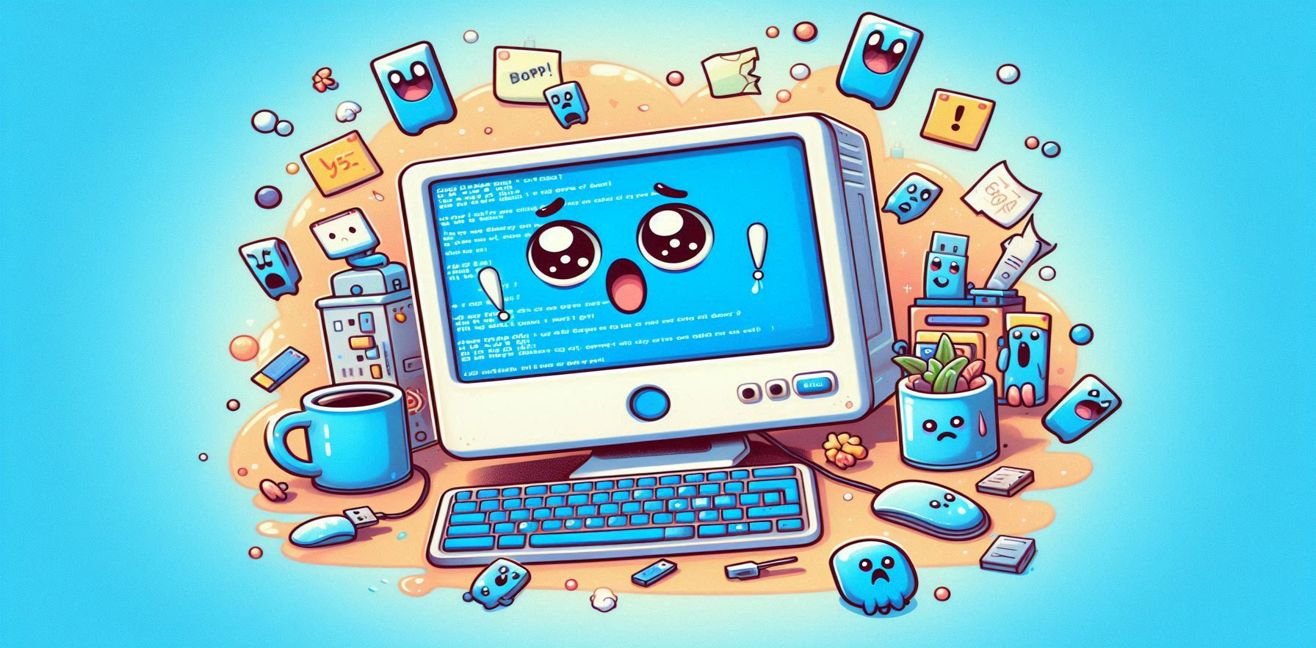
– The Drama, Humor, and Solutions Behind BSOD Errors –
Hello, sweet tech explorer! 🌈👩💻👨💻
Today I’ll introduce you to the most sudden, most dramatic breakup message in the world of computers:
The Blue Screen of Death, aka BSoD.
Yes, that one—painting your screen a cold blue while you’re just sipping your morning coffee, with a few lines of cryptic white text that make you question the meaning of life.
🎭 Chapter 1: “Why did you leave me, BSoD?”
Everything’s fine and then—bam!
The blue screen appears, your eyes go wide, your PC goes silent. The horror…
“What did I ever do to you? I just opened Excel…”
But a computer doesn’t care about feelings.
It takes signals, conflicting codes, and crashed drivers very seriously.
⚙️ Chapter 2: What Causes the Blue Screen?
🧠 1. Driver Conflicts
It’s like your PC saying, “I don’t wanna work with this device anymore!”
Usually happens when you install new hardware or don’t update your drivers.
🔧 2. Hardware Failures
Your RAM might be fried. Your hard drive could be whispering, “I’m tired… I want to retire.”
💻 3. Software Errors
Especially beta programs or apps that mess with system files—they’re like an open invitation to BSOD.
🦠 4. Viruses & Malware
Some malicious software tampers with core system files and crashes the OS.
It’s the digital way of saying, “Goodbye cruel world.”
🧮 5. Overheating
Your PC melts too, darling. If your fan’s broken or your thermal paste is dried up, your CPU might say, “I’m fainting!”
👀 Chapter 3: What to Do When You Meet the Blue Screen
🧘♀️ Stay Calm.
No panic, my love. You’re not the first. BSOD is like a digital meltdown.
📸 Take Note of the Error Code.
Messages like IRQL_NOT_LESS_OR_EQUAL pop up.
Google it! That’s your digital therapist. It’ll help diagnose the issue.
🔄 Restart the Computer.
Sometimes a reboot fixes the relationship. (Doesn’t work in real life, but it’s magic for PCs.)
🔎 Check for Updates.
Windows Update → Driver Updates → Digital age matters more than biological age in tech!
🧼 Clean Your Hardware.
Remove and reinsert RAM. Clean the fan. Dust bunnies are BSoD’s best friends.
🔍 Run a Virus Scan.
Some malware just wants to break up with you.
🛠️ Chapter 4: Time for Some Pro Moves
- Use Windows Memory Diagnostic Tool to test RAM.
- Run
SFC /scannowto repair system files. - Try
CHKDSKto check your disk’s health. - Update your BIOS carefully: updating BIOS is like taking a break from a relationship—you might not come back 😅
🛏️ Chapter 5: Eternal Sleep Mode
Sometimes BSOD is a final goodbye.
If your hard drive is playing death bells, it might be time to retire it.
But don’t be afraid: not every BSOD is a farewell.
Some just mean: “Understand me a little…”
❤️ Chapter 6: Bonus – Laugh It Off with BSoD
- “I saw the blue screen and felt like I ran into my ex.”
- “Windows doesn’t just crash—it teaches you how to cry.”
- “Maybe it’s not a blue screen… maybe it’s a morning sky full of hope?” 🌥️
📚 Conclusion: BSoD ≠ Doomsday
The blue screen didn’t leave you, my love.
It just needed a break.
Give it some care, some updates, a little dusting… and it’ll be back.
Computers need love too—just the kind you show in BIOS 😌💙