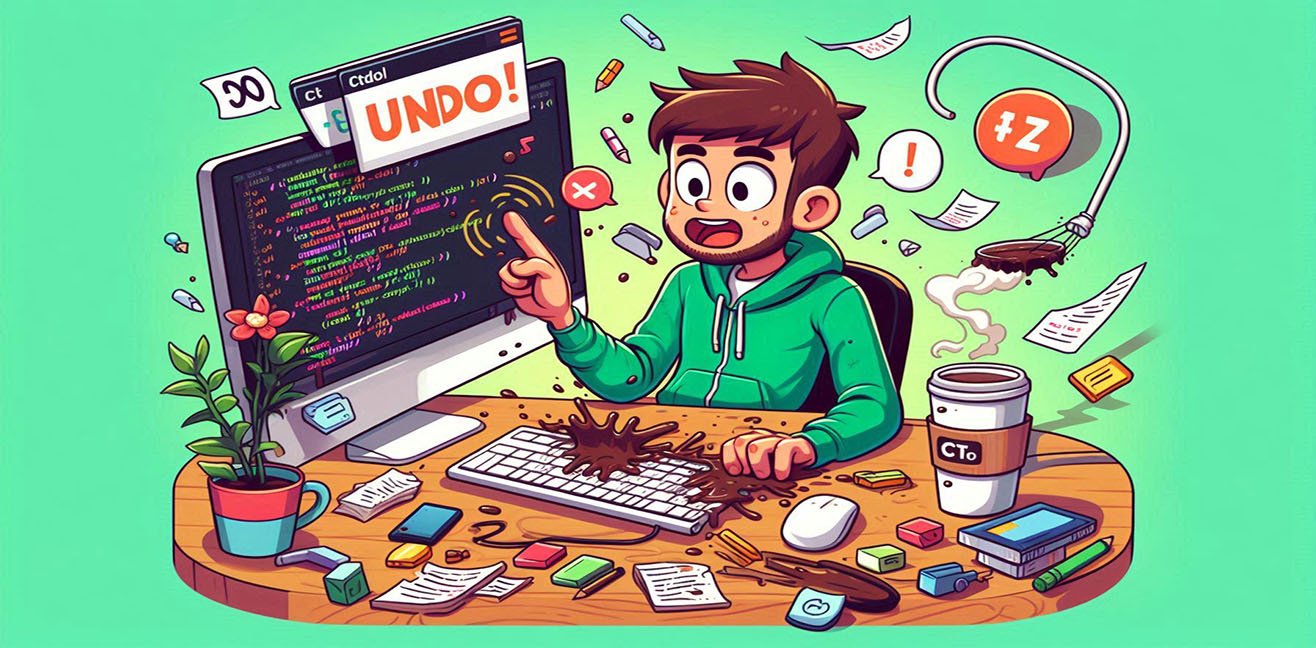
“I wish life had a Ctrl + Z…”
– A dream we’ve all thought of 💭But in the world of computers, Ctrl + Z is a real superhero!
And yes, its hidden mechanisms are much deeper than we realize 😏
⌨️ 1. Ctrl + Z: The Superpower of the Digital World
Made a mistake at your computer? Deleted the wrong file? Wrote the wrong line of code?
Ctrl + Z = Undo = Time Machine 🕰️
Technical Depth:
- Undo Stack: Ctrl + Z stores all changes in a “stack.”
- The most recent change is on top.
- Each press of Ctrl + Z undoes the topmost change.
- Redo (Ctrl + Y / Shift + Ctrl + Z): Reapplies changes undone.
- Limitations: Each program has a different undo capacity; Photoshop, Illustrator, and Word can store millions of changes, while simple Notepad may only handle a few lines.
💡 Practical Tip: When coding, committing regularly is like life’s Ctrl + Z.
Made a mistake? You can always revert to the previous version!
🧠 2. Undo in the Coding World: Dancing with Bugs
Programmers know: bugs are life’s reality.
- Wrong change? Undo stack to the rescue.
- Complex system modifications? Use version control like Git or SVN.
- To revert a committed mistake:
git revert <commit>→ Reverts the commit while preserving history.git reset --hard <commit>→ Resets all changes to the previous state.Coding Tips:
- Keeping the undo stack too long can impact performance.
- Multi-level undo design is essential for complex apps.
- Transaction logic in databases = the big brother of Ctrl + Z 😎
🌍 3. What If Life Had Ctrl + Z…
Imagine:
- Your boss yells at you: Ctrl + Z.
- You spill your coffee: Ctrl + Z.
- Sent the wrong message: Ctrl + Z.
- Made a bad investment: Ctrl + Z (wishful thinking 😅).
But life doesn’t have an undo mechanism; most mistakes are committed and pushed, impossible to revert.
This is where programming lessons apply: prevention = life’s true Ctrl + Z.
⚡ 4. The Technical Universe of Undo
Ctrl + Z is not just a key command; it’s a broad concept in programming and system engineering:
Application-Level Undo:
- Text editors, Photoshop, IDEs: All changes are stored in a stack.
- Limited undo: Balances memory usage and performance.
System-Level Undo:
- Filesystem Journaling (NTFS, Ext4): Logs file system changes; can recover after crashes.
- Database Transaction Rollback: SQL, Oracle, and other databases allow undoing operations.
Undo in Games:
- Checkpoints and save points = the game’s Ctrl + Z.
💡 Humorous Tip: If life had checkpoints, all mistakes could be “save & reload”-ed away.
🧩 5. Undo Design and Algorithms
Undo is not just a key; it’s an art of design.
- Command Pattern:
- Each operation is stored as a “command” object.
- Undo reverses the command.
- Memento Pattern:
- Saves previous states of objects to restore when needed.
- Common in games, GUI apps, and IDEs.
💡 Practical Tip: When developing your own application, planning an undo mechanism drastically improves user experience.
🎉 6. Life and Coding Lessons from Ctrl + Z
- Mistakes are inevitable, but undoing quickly can save the day.
- Undo mechanism = prevention and backup.
- Version control, checkpoints, and backups = life’s Ctrl + Z.
- Learn from mistakes; sometimes learning is better than trying to erase them.
💡 Bonus Humor:
If life had Ctrl + Z: Infinite loop! We’d all spill coffee, delete messages, take wrong steps, and repeat… but at least it would be fun 😎
🚀 7. Conclusion: Ctrl + Z = Fun and Technically Enlightening
Ctrl + Z teaches us:
- Don’t fear mistakes; solutions are always possible.
- Undo is not only for software; in life, it means planning, prevention, and recovery strategies.
- Life, like coding, sometimes contains committed and pushed lines, but with the right tools, you can revert.
“Life doesn’t have Ctrl + Z, but taking precautions is always as valuable as a line of code.” 💻✨