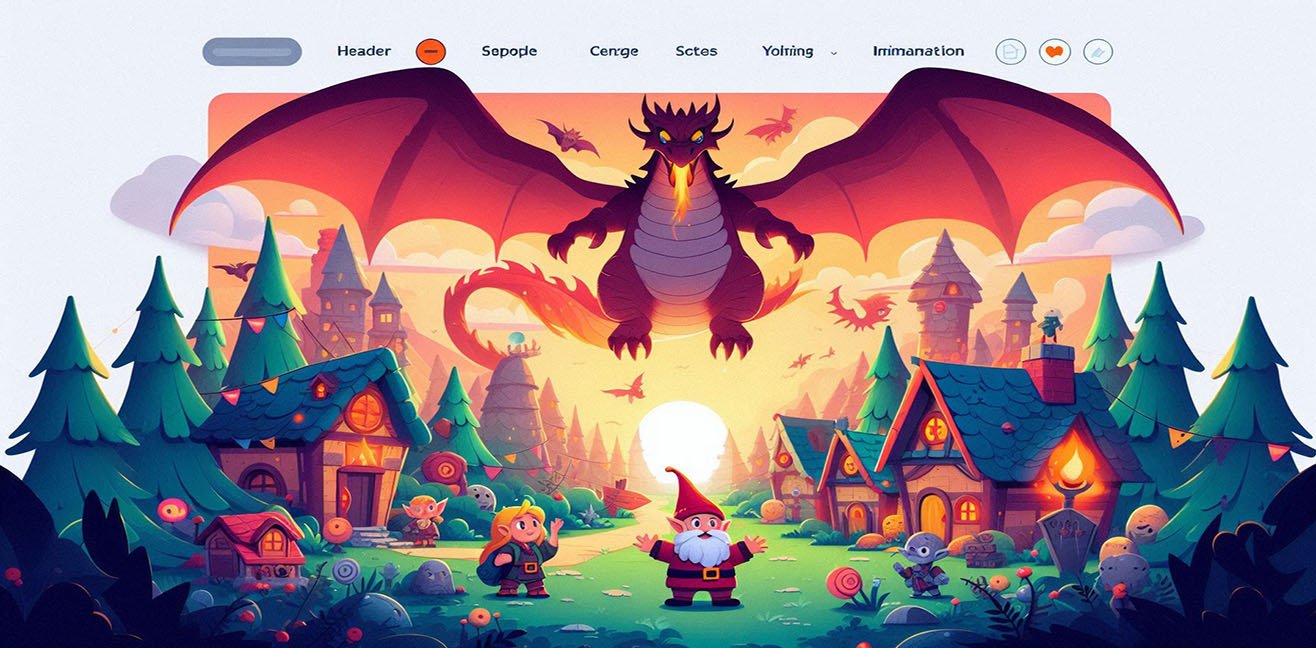
Hello! 😏 Today, we’re embarking on a journey into the extraordinary and fantastical world of HTML. Every HTML tag is a monster, every entity is an emotion, and every CSS style is like magic. Ready? Open your page and join this adventure! 🚀
1️⃣ <header> – The Dragon in the Sky 🐲
At the very top of the page, the <header> soars like a mighty dragon.
<h1>headings are its wings, and<p>descriptions are its fire blasts.- We can show the dragon’s mood using entities:
&fire;(🔥) for fire,♥(♥) for happiness.
Code Example:
<header style="background:#ffcc00; padding:30px; text-align:center; border-bottom:4px solid #ff6600;">
<h1>&#128009; Dragon Header: Welcome!</h1>
<p>Heating up the page with its fire! &fire; &hearts;</p>
</header>
Pro Tips:
- Use large fonts and gradient colors to make the dragon visually powerful.
- Add hover effects so that when you hover over
<h1>, the fire animates.
2️⃣ <section> – Dwarf Villages 🏘️
Each <section> is a tiny dwarf village, cute and full of life. <p> tags represent houses, and <ul> can be thought of as the village square activity list.
- Use entities to show the dwarves’ moods:
♥for happiness,☆for energy,😐for calm.
Code Example:
<section style="background:#a2d5f2; padding:20px; margin:15px 0; border-radius:10px;">
<h2>&#127970; Dwarf Village</h2>
<p>Hello! We are the dwarf village &hearts; Our energy is &star;&star;&star;!</p>
<ul>
<li>House 1: Tiny <span>&#127968;</span></li>
<li>House 2: Library <span>&#128218;</span></li>
<li>House 3: Market Square <span>&#127860;</span></li>
</ul>
</section>
Pro Tips:
- Use
<ul>for village activities to practice HTML while adding visual richness. - Add CSS shadow or border-radius to the village section to make it even cuter.
3️⃣ <footer> – Tiny Goblin 🧌
At the bottom of the page stands a goblin on duty.
- Show its mood using entities:
⌣🙂 happy,😡😡 angry,&shield;🛡️ protective. - The goblin guards the page and leaves surprise messages.
Code Example:
<footer style="background:#3e8e41; color:white; padding:15px; text-align:center; border-top:3px solid #2e7d32;">
<p>Goblin on Duty! &smile; The whole page is safe &shield;</p>
<p>Hobbies: Coding &amp; Pranking &#128521;</p>
</footer>
Pro Tips:
- Add hover effects to change the goblin’s expression: happy <-> angry.
- Use CSS shadows, borders, and color transitions to make the goblin’s character more lively.
4️⃣ Coding the Monsters’ Emotions 💖
Use entities and emojis to reflect each monster’s mood:
- ❤️
♥happiness - 🌟
☆energy - 😡
😡anger - 🔥
&fire;fire - 🛡️
&shield;protection
Mini Monster Mood Box:
<div style="border:3px dashed #f06292; padding:15px; width:350px; border-radius:10px;">
<p>Dragon is happy! &hearts; Shining with its fire &fire;</p>
<p>Dwarf Village is energetic &star;&star;&star;</p>
<p>Goblin on duty! &#128545; But still protected &shield;</p>
</div>
Pro Tips:
- Style entities with CSS colors to make emotions pop.
- Hover effects on monsters can make the page interactive.
5️⃣ Interactive Mini Game: Monster Interactions 🎮
Make the page even more fun:
- Hover over the
<div>to make the dragon breathe fire (&fire;) - Click the dwarf village for an energy burst (
☆) - Hover over the goblin to change its expression (
⌣/😡)
Code Example (Simple Hover Animation):
<style>
.dragon:hover { color: red; }
.dwarf:hover { background-color: #ffeb3b; }
.goblin:hover { transform: scale(1.1); }
</style>
<div class="dragon">&#128009; Dragon &fire;</div>
<div class="dwarf">&#127970; Dwarf Village &star;&star;&star;</div>
<div class="goblin">&#128545; Goblin &shield;</div>
6️⃣ Bonus: Code Your Imagination ✨
HTML is more than just tags:
- Each
<header>can be a dragon,<section>a village, and<footer>a goblin. - With entities and CSS, you can make your page colorful, interactive, and fun.
- Readers learn code while unleashing their imagination. 🌈
Conclusion: HTML Monster World = Code + Imagination 🐉💖
Creating imaginary monsters in HTML and making the page interactive with entities and CSS is easy and super fun!
Coding is no longer just work; it’s a fantastical adventure.